Home › Features
Every Lockstone feature, explained
No account. No ads. No tracking. Here's everything in Lockstone 1.1.1, with step-by-step instructions using the exact menu names in the app.
 Free on Google Play. Android 8.0 or newer.
Lock. Unlock.
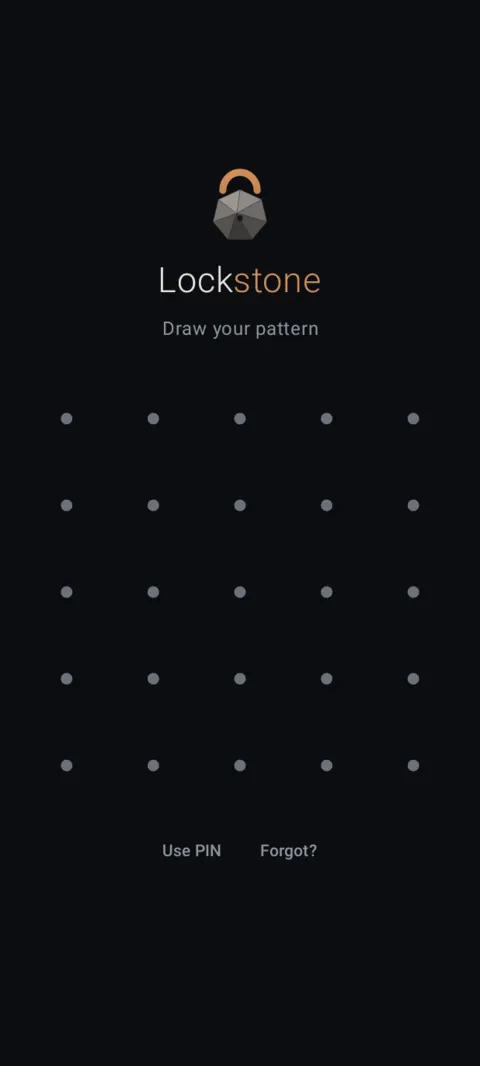
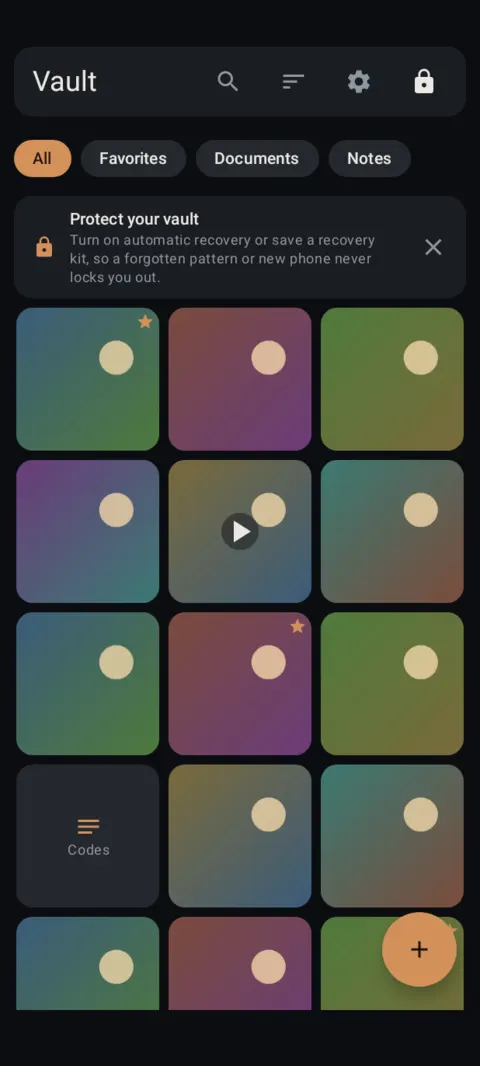
Every feature starts here: draw your pattern, and your vault opens.
Lock it
Pattern lock, PIN & fingerprintDraw a pattern, use a PIN, or add your fingerprint.Encrypted photo & file vaultAES-256 on your phone. Works offline, no account.Panic lockFlip the phone face down or shake it to lock.
Fill it
Import & hide photosPhoto picker, any file, Send to Vault, secure camera.Document scanner & PDF viewerScan IDs and paperwork straight into the vault.Secret notesEncrypted notes for codes, lists and private thoughts.
Organize it
Albums & locked albumsGive any album its own PIN or pattern.Search, tags & favoritesFind anything by name, #tag, type or date.Trash & vault repair30 days to undo a delete. Check every file.
Keep it private around others
Decoy vaultA second pattern opens a separate, ordinary vault.Break-in photosSee who guessed wrong on your unlock screen.Calculator disguiseOptional: Lockstone looks like a working calculator.
Never lose it
Automatic encrypted backup & restoreBackups save themselves. Restore on a new phone.Recovery: forgot your pattern?Recovery words, recovery kit and automatic recovery.Free exportGet your files back out, original quality, any time.
Every security feature is free
The free plan holds up to 100 photos and 10 videos per vault, with unlimited notes and documents. Decoy vault, locked albums, break-in photos, calculator disguise, backup and export are all included. Compare plans.
No account. No ads. No tracking.
Lockstone is free for up to 100 photos and 10 videos per vault, with every security feature included.