Home › Features › Document scanner & PDF viewer
A document scanner that saves straight into your vault
Scan paperwork without it ever touching your gallery. Crop, straighten and save as a PDF, then read it right inside the vault.
The 5-second moment
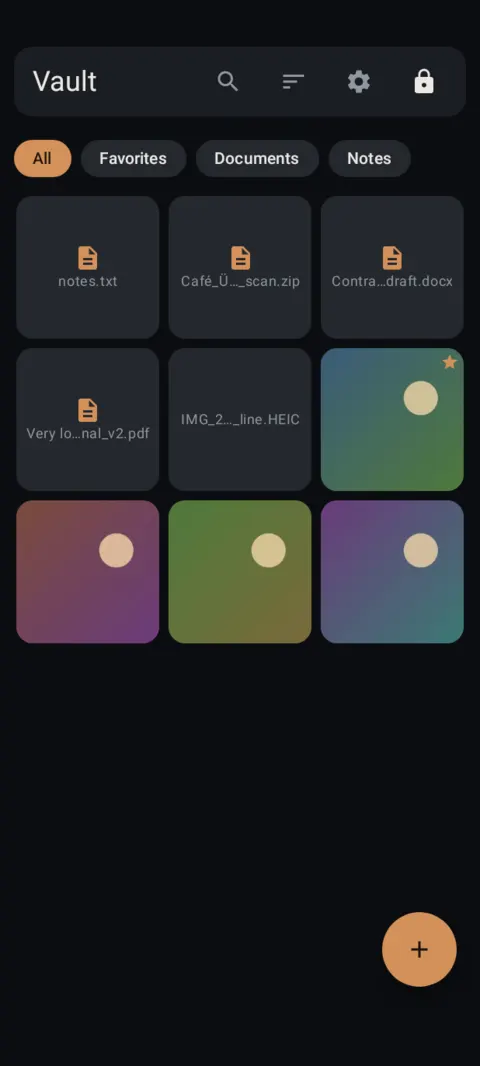
Snap the page, drag the corners, save. The scan lands in Documents, encrypted, and never in your gallery.
 Free on Google Play. No account, no ads, no tracking.
What it does
- The scanner keeps pages in memory until you save. They're encrypted straight into the vault.
- Drag the four corners to the page edges and Lockstone straightens the page for you.
- Add as many pages as you need, then save as one PDF, as images, or both.
- Read PDFs inside the vault on Android 11 and newer. Nothing is decrypted to storage.
- Scanned documents are unlimited on the free plan.
How to use it
Menu names are exactly as they appear in Lockstone 1.1.1. The gear icon at the top right of the Vault screen opens Settings.
- Unlock and tap + › Scan document.Android asks for camera permission when you scan. You can say no and still use the rest of the app.
- Tap Scan page.Hold the phone over the page and capture it.
- Crop the page.Drag the corners to the page edges. Retake if it's blurry.
- Add more pages.Tap Add page for multi-page documents.
- Choose how to save.Keep Save as one PDF on, and turn on Also save each page as an image if you want photos too.
- Tap Save to vault.Find it under the Documents chip in your gallery.
You set the corners yourself. There's no automatic edge detection or text recognition (OCR) yet.
Free Included in the free plan. See plans.
Questions
Can I scan my driver's license or insurance card?
Yes. Scan the front and back as two pages and save them as one PDF. See keeping ID photos on your phone.
Do scans go to my gallery?
No. Pages stay in memory until you save, and then they're encrypted into the vault.
Can I read PDFs in the vault?
Yes, on Android 11 and newer. Older phones can still store PDFs and export them.
Is the scanner free?
Yes. Scanned documents and notes are unlimited on the free plan.
Related features
Related guides
Prefer to watch? See the how-to videos.
No account. No ads. No tracking.
Lockstone is free for up to 100 photos and 10 videos per vault, with every security feature included.