Home › Features › Break-in photos
Break-in photos: see who tried to get in
Someone guesses wrong on your unlock screen. Lockstone takes one front-camera photo, and only you can see it.
The 5-second moment
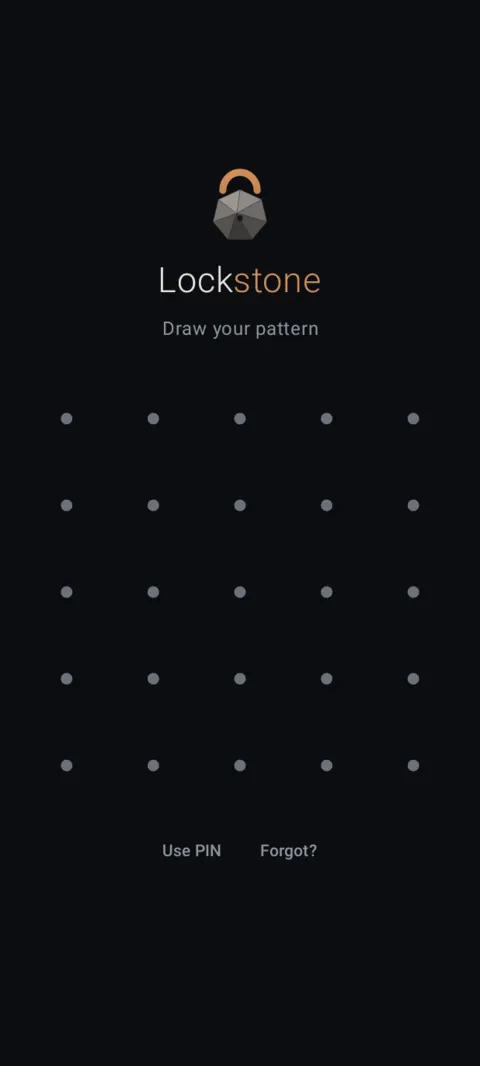
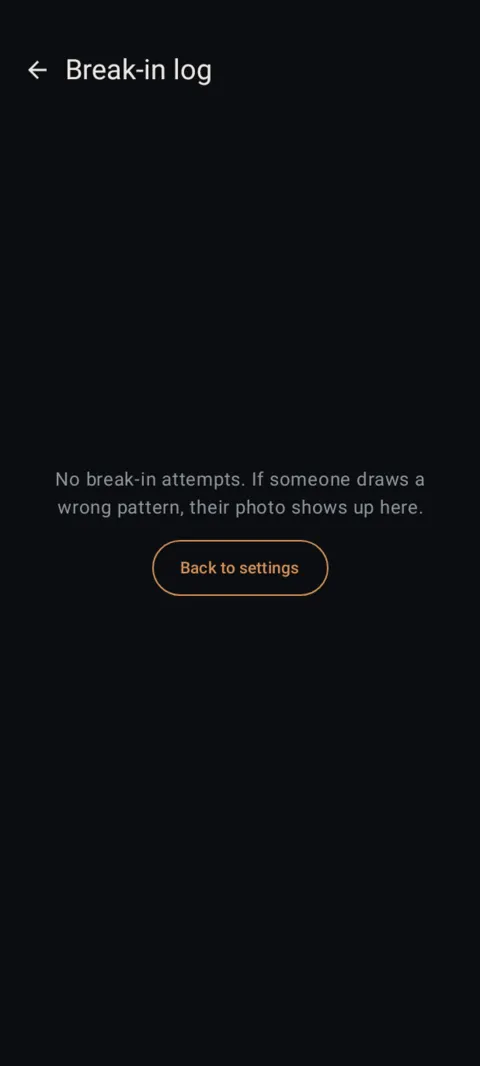
A wrong pattern on the unlock screen, one front-camera photo, and it's waiting in your Break-in log.
 Free on Google Play. No account, no ads, no tracking.
What it does
- Off until you turn it on. Android asks you for camera permission when you do.
- Takes one photo after 1, 3 or 5 wrong attempts (you choose).
- Works only while Lockstone's unlock screen is open, and Android shows its normal camera-in-use indicator.
- No audio, no location, no face recognition.
- Photos are encrypted so only your main vault can view them. The log keeps the most recent 30.
How to use it
Menu names are exactly as they appear in Lockstone 1.1.1. The gear icon at the top right of the Vault screen opens Settings.
- Open your real vault and tap the gear icon.Scroll to Settings › Break-in photos.
- Turn on Photograph intruders.Allow camera access when Android asks.
- Choose when to take a photo.Take a photo after: 1 miss, 3 or 5.
- Check the log.View break-in log shows each photo. Tap Clear to delete them.
Break-in photos are a deterrent, not a lock. Your pattern is what keeps the vault closed.
Free Included in the free plan. See plans.
Questions
Does Lockstone use the camera in the background?
No. The camera is used only while Lockstone's unlock screen is open, and Android's camera indicator shows.
Who can see break-in photos?
Only your main vault. They're encrypted to a key that lives inside it.
Does it record sound or location?
No. One still photo, no audio, no location.
Is it free?
Yes. Every security feature is in the free plan.
Related features
Related guides
Prefer to watch? See the how-to videos.
No account. No ads. No tracking.
Lockstone is free for up to 100 photos and 10 videos per vault, with every security feature included.