Export your files, free, any time
Your files are never held hostage. Export everything, or just a few, at original quality with their dates.
The 5-second moment
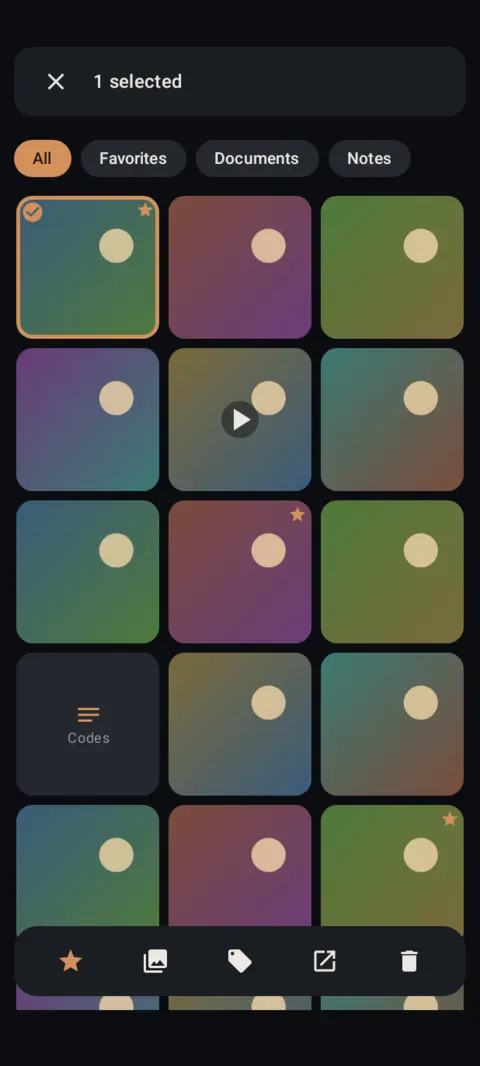
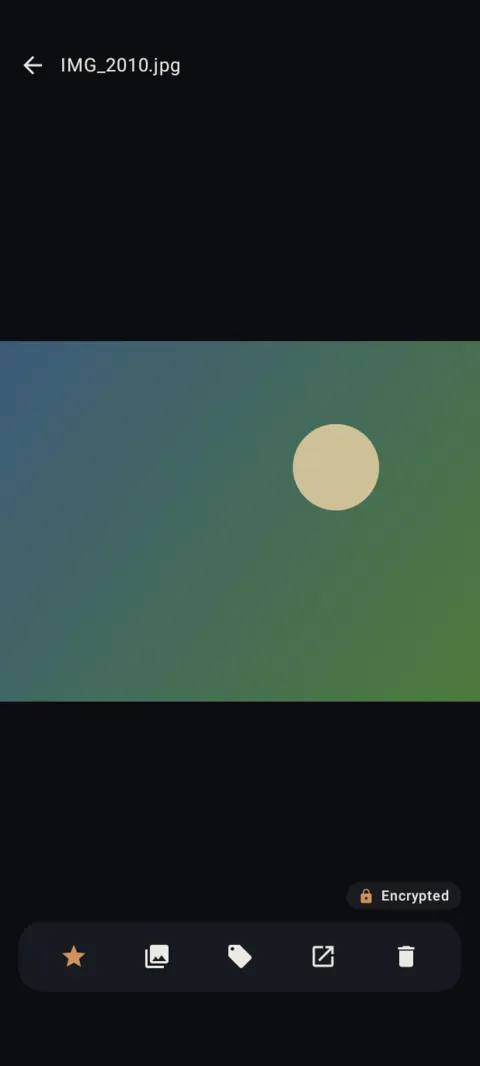
Select photos, tap Export, pick a folder. Original quality, original dates.
 Free on Google Play. No account, no ads, no tracking.
What it does
- Export everything: decrypted copies of every item to a folder you choose.
- Or select items in the gallery, or use Export in the viewer.
- Original quality. Dates are kept (in the photo's EXIF for JPEG, in the container for videos, otherwise in the file name). Notes export as .txt files.
- Always free, even above the free limits or after Pro ends.
How to use it
Menu names are exactly as they appear in Lockstone 1.1.1. The gear icon at the top right of the Vault screen opens Settings.
- Export everything.Settings › Your files › Export everything, then Choose folder and export.
- Or export a selection.Long-press items in the gallery, tap the Export icon and pick a folder.
- Or export one item.Open it and tap Export, then confirm Export a decrypted copy?
- Check the copies.Open a few exported files before you delete anything from the vault.
Exported copies are not encrypted. Other apps and cloud backups can see that folder. The copies inside the vault stay encrypted.
Export everything doesn't include locked albums. Open a locked album and select its items to export them.
Free Included in the free plan. See plans.
Questions
Is export really free?
Yes. Viewing, exporting, backing up and restoring are always free.
Will exported photos keep their dates?
Yes. Lockstone writes the original date into the photo's EXIF for JPEGs, the container for videos, or the file name otherwise.
Are exported files encrypted?
No. Export creates normal, readable copies. Use a backup if you want an encrypted copy.
Related features
Related guides
Prefer to watch? See the how-to videos.
No account. No ads. No tracking.
Lockstone is free for up to 100 photos and 10 videos per vault, with every security feature included.