Home › Features › Secret notes
Secret notes, encrypted with your vault
Codes, lists and private thoughts belong next to your private photos, not in a notes app that syncs everywhere.
The 5-second moment
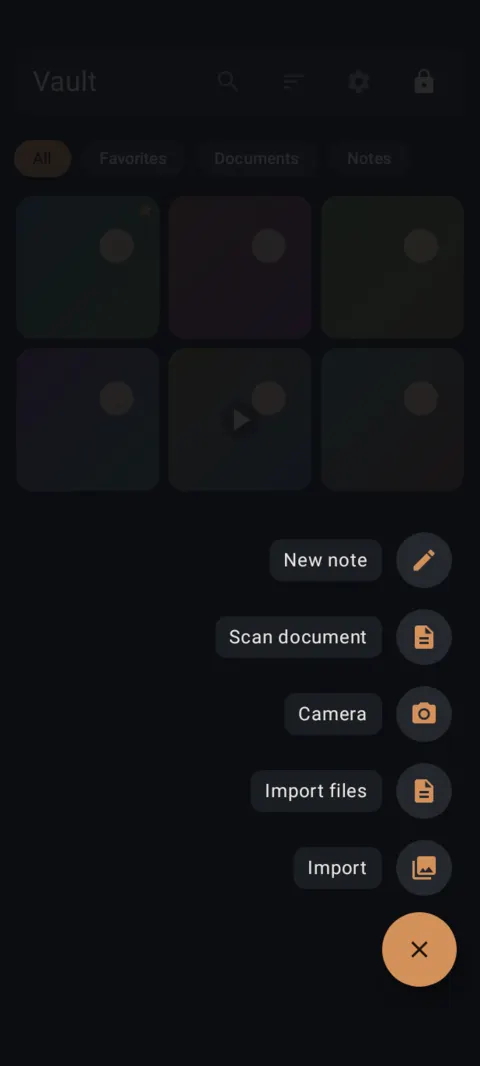
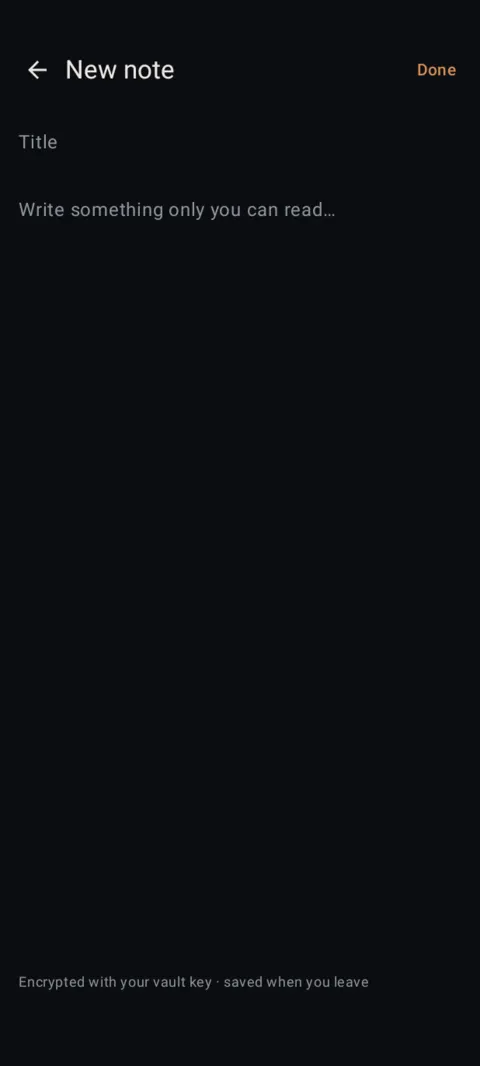
Tap +, then New note. Type. Leave. It's saved and encrypted with your vault key.
 Free on Google Play. No account, no ads, no tracking.
What it does
- Notes are encrypted with your vault key and saved when you leave the editor.
- Find them all under the Notes chip, or with search.
- Unlimited notes on the free plan.
- Export writes a note out as a plain .txt file when you need it.
How to use it
Menu names are exactly as they appear in Lockstone 1.1.1. The gear icon at the top right of the Vault screen opens Settings.
- Unlock and tap + › New note.The editor opens.
- Add a title and write.Type anything you want to keep private.
- Tap Done, or just go back.The note is saved and encrypted when you leave.
- Find it later.Tap the Notes chip at the top of the gallery, or search by its title.
Don't store your Lockstone recovery words in a Lockstone note. If you can't open the vault, you can't read the note.
Free Included in the free plan. See plans.
Questions
Are notes limited on the free plan?
No. Notes and documents are unlimited. Only photos (100) and videos (10) per vault are limited.
Are notes backed up?
Yes. Encrypted backups include notes, along with photos, videos and documents.
Can I export a note?
Yes. Exported notes are saved as plain .txt files, so treat the exported copy as unencrypted.
Related features
Related guides
Prefer to watch? See the how-to videos.
No account. No ads. No tracking.
Lockstone is free for up to 100 photos and 10 videos per vault, with every security feature included.