Panic lock: flip or shake to lock
Someone walks up while your vault is open. Turn the phone face down, or shake it, and Lockstone locks and closes itself.
The 5-second moment
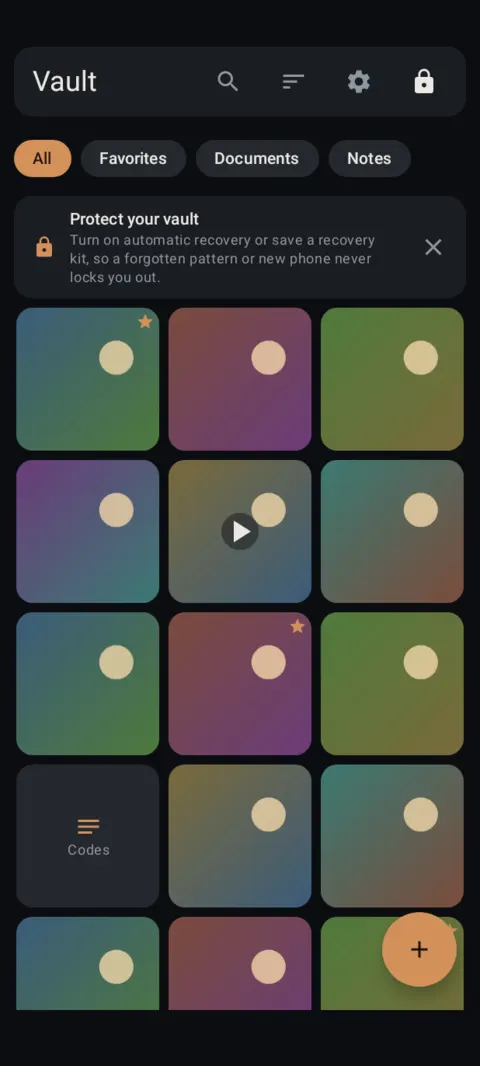
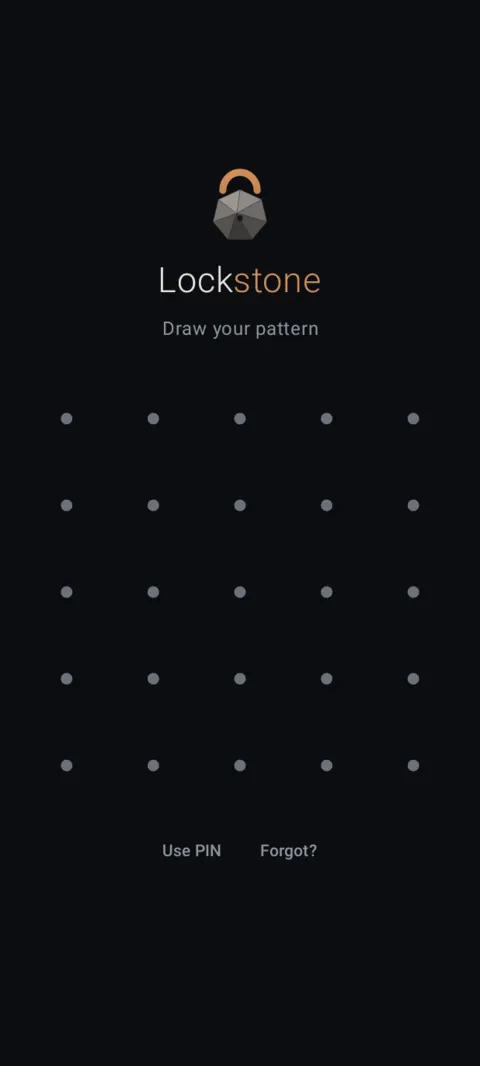
Vault open, phone flipped face down: Lockstone locks, closes and leaves Recents.
 Free on Google Play. No account, no ads, no tracking.
What it does
- Lock when turned face down: flipping the phone onto its screen locks and closes Lockstone.
- Lock on a quick shake: three hard shakes do the same.
- Works only while the vault is open and on screen, so it won't fire in your pocket.
- Lockstone also removes itself from the recent-apps list when it panics.
- Separate from auto-lock, which locks the vault whenever you leave the app or the screen turns off.
How to use it
Menu names are exactly as they appear in Lockstone 1.1.1. The gear icon at the top right of the Vault screen opens Settings.
- Open your vault and tap the gear icon.Scroll to Settings › Panic exit.
- Turn on Lock when turned face down.Try it: open the vault, then lay the phone face down.
- Optionally turn on Lock on a quick shake.Three hard shakes lock and close Lockstone.
Android doesn't let normal apps use the power button, so there's no power-button panic.
Free Included in the free plan. See plans.
Questions
Will panic lock trigger in my pocket?
No. It only listens while the vault is unlocked and on screen.
Does it delete anything?
No. Panic lock only locks and closes the app.
Is it on by default?
No. Turn each option on in Settings › Panic exit.
Related features
Prefer to watch? See the how-to videos.
No account. No ads. No tracking.
Lockstone is free for up to 100 photos and 10 videos per vault, with every security feature included.