Decoy vault: a second pattern, a different vault
Hand someone your phone without handing over everything. A second pattern opens a separate, ordinary-looking vault.
The 5-second moment
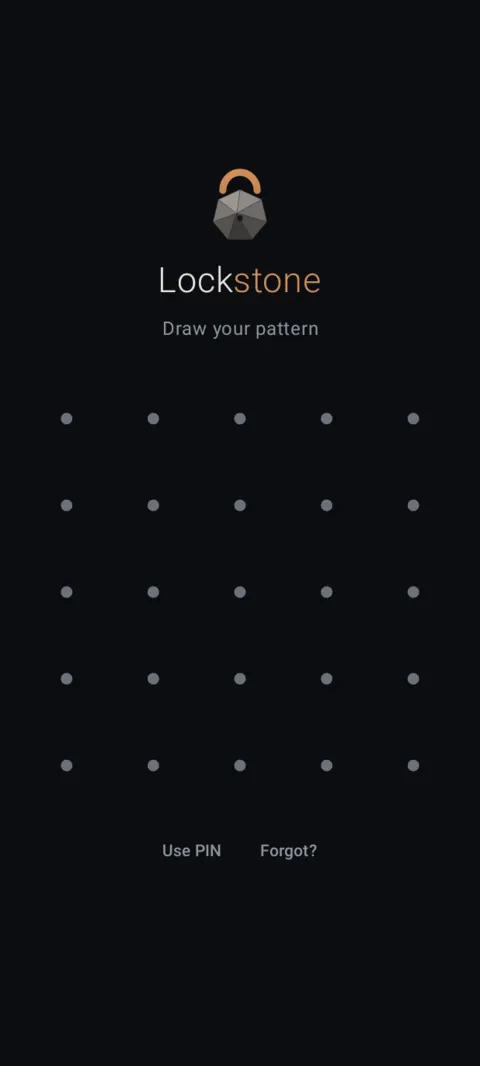
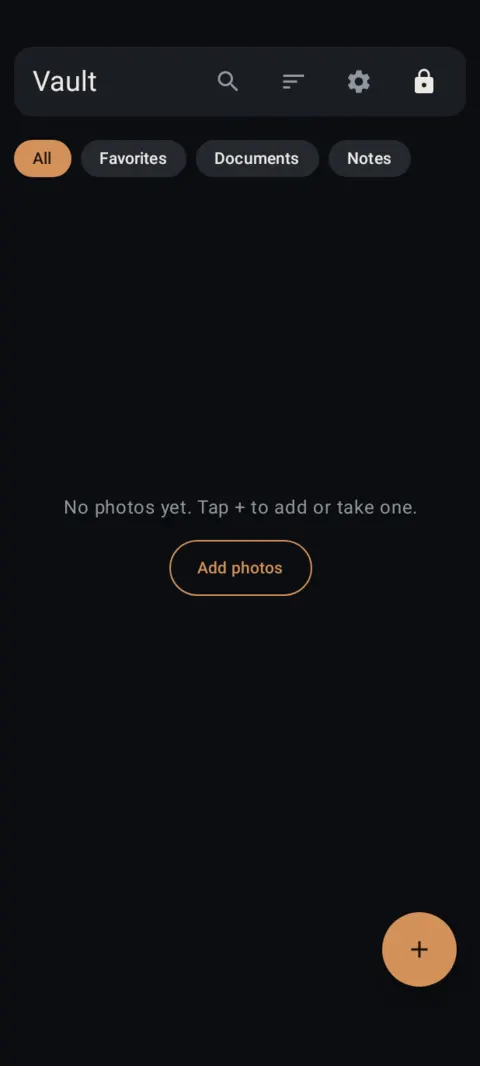
Draw your second pattern and a separate, normal-looking vault opens. Your real one stays out of sight.
 Free on Google Play. No account, no ads, no tracking.
What it does
- The decoy is a fully separate vault with its own pattern and its own files.
- Nothing inside the decoy says it's a decoy, and nothing on the unlock screen shows how many vaults exist.
- Files you add while the decoy is open stay in the decoy. Your real files never show up there.
- To get back to your real files, lock Lockstone and draw your real pattern.
- Optional duress pattern (needs a decoy): drawing it opens the decoy and permanently destroys your real vault. It's off until you set it up.
How to use it
Menu names are exactly as they appear in Lockstone 1.1.1. The gear icon at the top right of the Vault screen opens Settings.
- Open your real vault and tap the gear icon.Go to Settings › Decoy & duress › Create decoy vault.
- Draw a pattern for the decoy and confirm it.Make it clearly different from your real pattern.
- Lock Lockstone, then draw the decoy pattern.The decoy vault opens. Add a few ordinary photos so it looks lived-in.
- Lock again and draw your real pattern.Your real vault opens, unchanged.
- Change or remove it later.Settings › Decoy & duress › Change decoy pattern or Remove decoy vault (this deletes the decoy and its photos).
Duress pattern: read this. In Settings › Decoy & duress › Set duress pattern, Lockstone shows a full warning screen and asks you to tick “I understand this permanently destroys data and I'll use it lawfully.” Drawing the duress pattern opens the decoy and erases your real vault: its key is overwritten and its files deleted. There is no undo, and nobody can recover the files, including us. Automatic recovery with Google is turned off while a duress pattern exists. Anything you want to keep must be in a separate backup.
Decoy and duress settings appear only inside your real vault.
Free Included in the free plan. See plans.
Questions
Can anyone tell a decoy vault exists?
Nothing on the unlock screen or inside the decoy mentions it. The decoy looks like any other Lockstone vault.
Do the decoy and real vault share files?
No. Each vault has its own files. Things added in the decoy stay in the decoy.
How do I get back to my real files?
Lock Lockstone (lock icon or auto-lock), then draw your real pattern.
What does the duress pattern do?
It opens the decoy and permanently erases your real vault, with no undo. It's optional, off by default, and the app shows a full warning before you can set it.
Related features
Related guides
- How to hide photos on Android: 3 ways compared
- Photo vault with no account: what if you forget your pattern?
Prefer to watch? See the how-to videos.
No account. No ads. No tracking.
Lockstone is free for up to 100 photos and 10 videos per vault, with every security feature included.