Home › Features › Encrypted photo & file vault
An encrypted photo and file vault that works offline
Photos, videos, documents and notes are encrypted on your phone the moment they land. Lockstone has no internet permission, so it works the same with no signal.
The 5-second moment
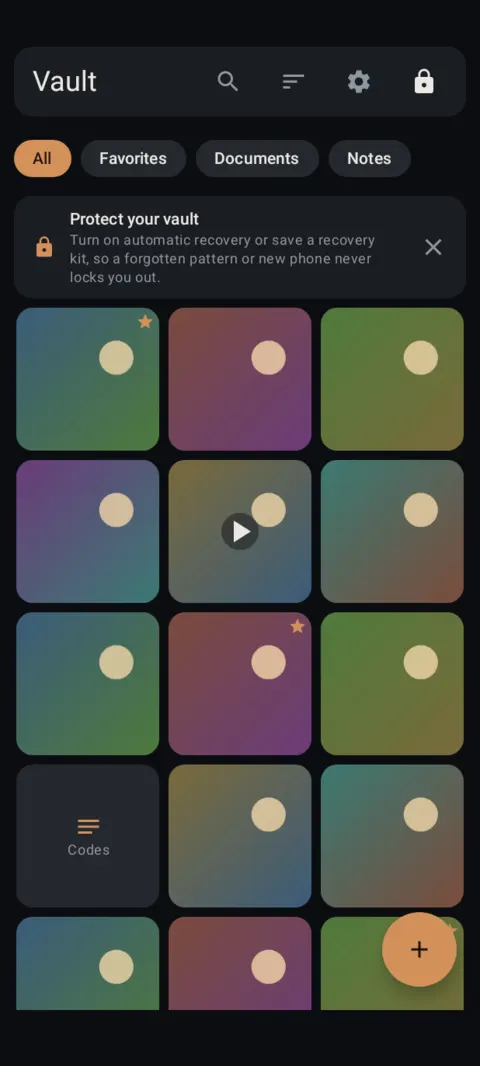
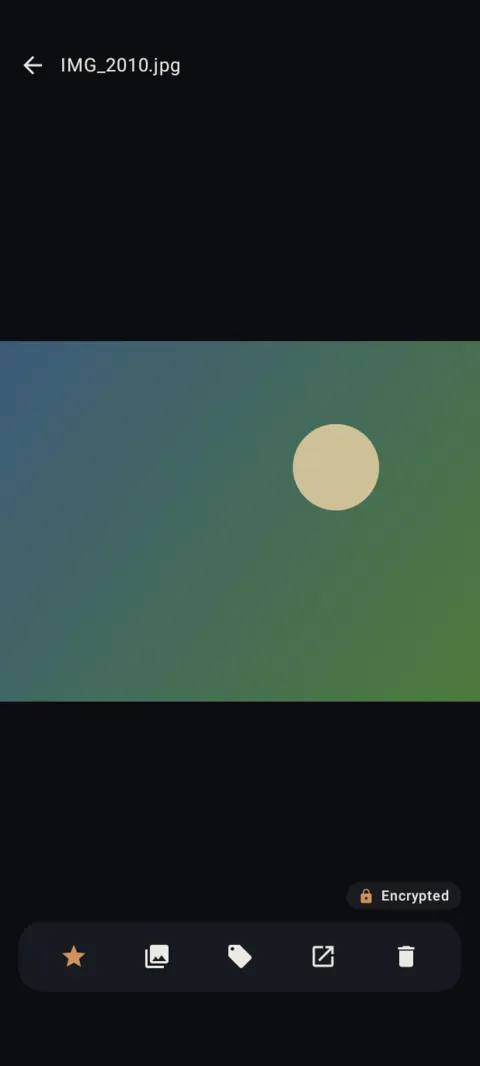
Tap any photo: it's decrypted in memory just for viewing, with the Encrypted badge in the corner.
 Free on Google Play. No account, no ads, no tracking.
What it does
- Every item is encrypted with AES-256-GCM using keys sealed by the Android Keystore (StrongBox when your phone has it).
- Videos play straight from the encrypted file. No unencrypted copy is written to storage.
- No internet permission, no account, no ads and no analytics. Check it yourself.
- Location and camera details are removed from photos and videos when you import them.
- Free for up to 100 photos and 10 videos per vault. Notes and documents are unlimited. Pro removes the limits.
How to use it
Menu names are exactly as they appear in Lockstone 1.1.1. The gear icon at the top right of the Vault screen opens Settings.
- Install Lockstone from Google Play and create your vault.Draw a pattern twice (or choose a PIN).
- Tap + at the bottom right.Choose Import for photos and videos, Import files for documents, Camera, Scan document or New note.
- Watch it encrypt.Lockstone shows “Encrypting 1 of N” while it works.
- Open anything with a tap.The viewer shows an Encrypted badge. Swipe between items, pinch to zoom.
- Lock when you're done.Tap the lock icon, or just leave: auto-lock does it for you.
Your vault lives inside the app on this phone. Uninstalling Lockstone deletes it. Keep an encrypted backup somewhere other than this phone.
Free Included in the free plan. See plans.
Questions
Does Lockstone work offline?
Yes. The app has no internet permission at all, so everything works in airplane mode or with no signal.
Can Ragland Contracting see my files?
No. Files are encrypted on your phone with keys we never have, and the app can't send anything to us.
What can I put in the vault?
Photos, videos, PDFs, Word documents, ZIP files and other files, scanned documents and secret notes.
What happens if I uninstall the app?
The vault is deleted with the app. Make an encrypted backup to a folder you control before you uninstall or change phones.
Related features
Related guides
- Does your photo vault have internet access?
- Photo vault with no account: what if you forget your pattern?
Prefer to watch? See the how-to videos.
No account. No ads. No tracking.
Lockstone is free for up to 100 photos and 10 videos per vault, with every security feature included.