Home › Features › Trash & vault repair
Trash and vault check & repair
Deleted by mistake? It waits in Trash for 30 days. And Vault check & repair proves every file is really there.
The 5-second moment
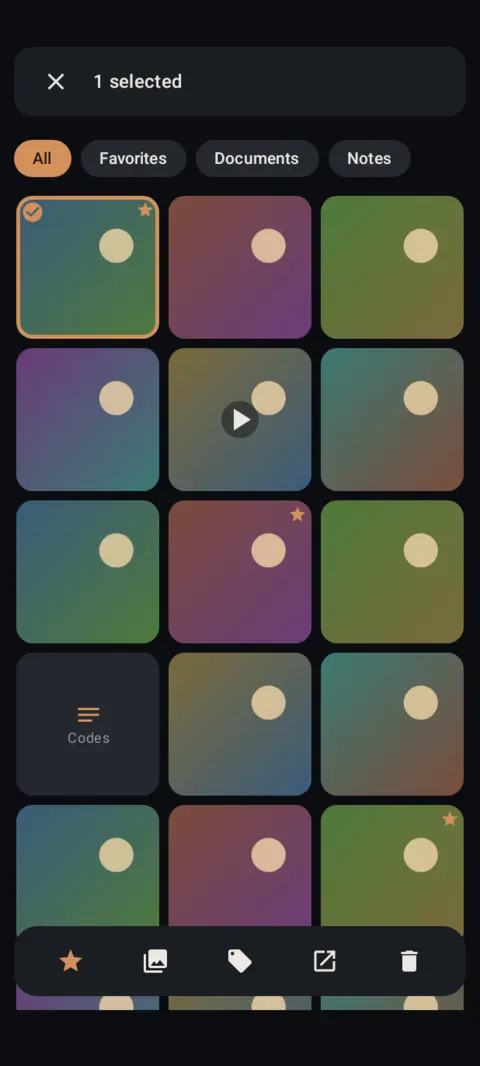

Delete by mistake? It sits in Trash for 30 days. Restore it in two taps.
 Free on Google Play. No account, no ads, no tracking.
What it does
- Deleted items go to Trash for 30 days, then they're deleted for good. Each shows how many days are left.
- Restore items, delete them forever, or empty Trash to free the space right away.
- Vault check & repair reads every photo, video, note and thumbnail and verifies its encryption tag.
- It rebuilds damaged thumbnails and lets you remove items that can't be decrypted.
How to use it
Menu names are exactly as they appear in Lockstone 1.1.1. The gear icon at the top right of the Vault screen opens Settings.
- Delete items.Select them and tap Delete, then Move to Trash.
- Open Trash.Settings › Your files › Trash.
- Restore or delete.Long-press to select, then Restore or Delete forever. Empty clears everything.
- Check your vault.Settings › Your files › Vault check & repair. If thumbnails are damaged, tap Rebuild thumbnails.
Items deleted inside a locked album skip Trash and are deleted right away. Lockstone warns you before that happens.
Free Included in the free plan. See plans.
Questions
How long do items stay in Trash?
30 days. After that they're deleted for good.
Does Trash use storage?
Yes, until it's emptied. Emptying Trash frees the space.
What does Vault check & repair do?
It decrypts and verifies every item, cleans up leftovers from interrupted imports, rebuilds thumbnails and lists anything damaged.
Related features
Related guides
Prefer to watch? See the how-to videos.
No account. No ads. No tracking.
Lockstone is free for up to 100 photos and 10 videos per vault, with every security feature included.