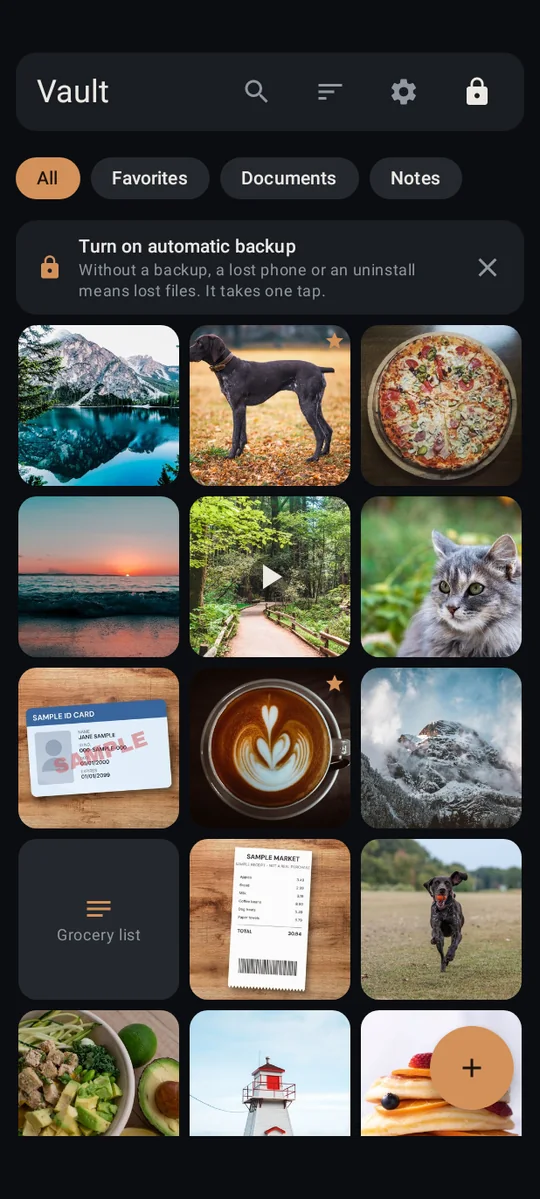
For the stuff you'd never want showing up when you hand someone your phone.
Photos, videos, documents and notes, locked behind your own pattern and encrypted on your phone. The app doesn't even have internet permission.
Free on Google Play. Android 8.0 or newer.
No internet permission
AES-256 on your phone
No sign-up
No analytics
The problem
Hiding a photo shouldn't mean signing up for another account.
Plenty of vault apps start by asking for your email, then sync your private photos to their servers. That's one more account that can be broken into, one more company holding your pictures, and one more password to forget.
Lockstone works the other way. Nothing to sign up for, nothing to sign in to, and no way for the app to reach the internet. Your files stay on your phone, encrypted.
When you hand someone your phone
Show the vacation photos. Keep everything else to yourself.
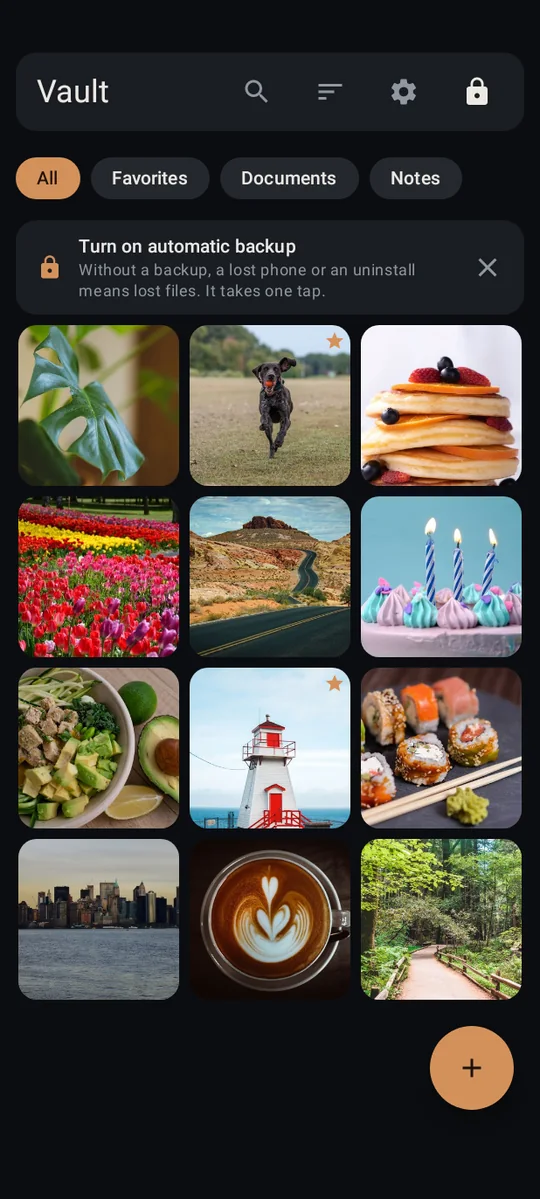
A friend scrolling your pictures, a kid borrowing your phone for a game, someone at the counter. With a decoy vault, a second pattern opens a separate, ordinary-looking vault. Nothing inside it says it's a decoy, and nothing on the unlock screen shows how many vaults exist.
Need one album even more private? Locked albums get their own PIN or pattern, so even an open vault keeps them hidden.
Your pattern your real vault
Second pattern the decoy
When you need a card, fast
Your ID or insurance card, right there. Not in your camera roll.
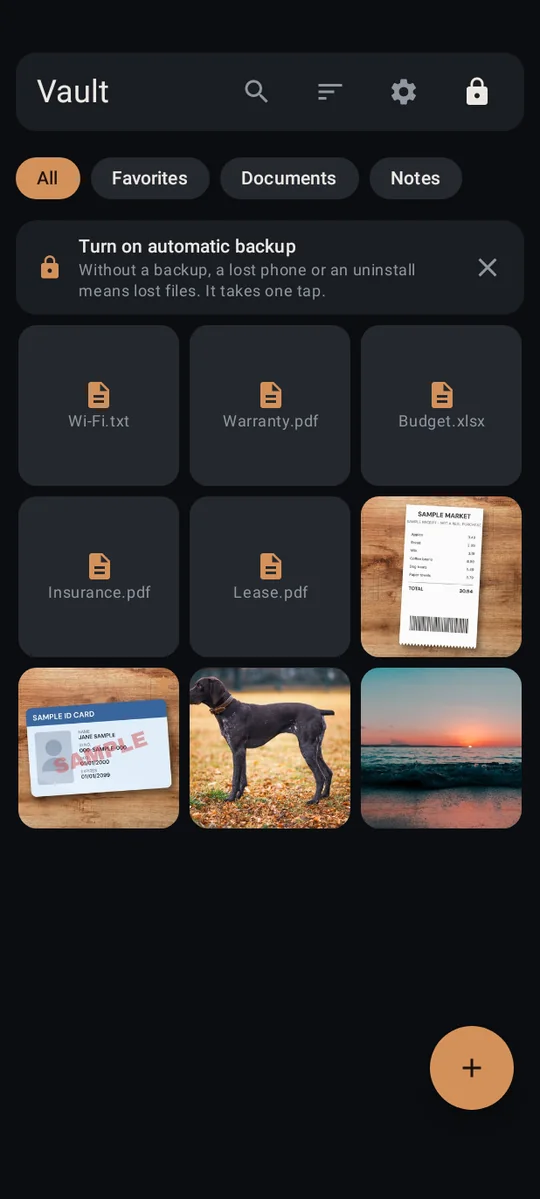
The pharmacy wants your insurance card. A form wants your license number. With the document scanner, you scan the front and back once and save them as one PDF, straight into the vault. They never land in your gallery, and scanned documents are unlimited on the free plan.
No. There's no Lockstone account and no Lockstone server, and the app has no internet permission, so your files have no way to reach us. Purchases go through Google Play, and Lockstone never learns who you are.Don't take our word for it: check the app's permissions yourself in under a minute.
What if I lose my phone?
Whoever has it still needs your pattern to open the vault. To get your files back on a new phone, you need a backup: turn on automatic backup to a folder like Google Drive or a USB drive, then restore it on the new phone. Every backup is read back and verified. Without a backup, a lost phone means lost files.
What if I forget my pattern?
You get back in with your 12 recovery words, your printed recovery kit, or automatic recovery with Google. If you forget your pattern and have lost your recovery words, with no kit and no automatic recovery, your files are gone. Nobody can recover them, including us. Set up recovery on day one.
Do I need an account?
No. No Lockstone account, no email, no sign-up. Google Play handles any purchase with your Google account.
Is it free?
Yes, for up to 100 photos and 10 videos per vault, with unlimited notes and documents and every security feature. Pro is $5.99/month or $29.99/year with a 3-day free trial.
Which phones does it run on?
Android 8.0 or newer, including foldables. Lockstone is Android only.
What it costs
Free
100 photos and 10 videos per vault. Unlimited notes and documents. Every security feature.
Pro
$5.99/month, or $29.99/year with a 3-day free trial.
Lifetime
$49.99 once, founding price through Dec 1, 2026. Never a subscription.
US prices; Google Play shows your local price. Viewing, exporting, backing up and restoring are always free. Full pricing.
Honest limits
Android only for now.
If you forget your pattern and haven't set up recovery words, a recovery kit or automatic recovery, your files are lost. Nobody can recover them, including us. Set up recovery.
No app can protect a phone that's already compromised. Keep your phone's screen lock on.
No internet permission is one layer, not a guarantee. Lockstone has not had an outside security review yet, and we will say so until it has. Check it yourself and read how Lockstone protects your files.
No account. No ads. No tracking.
Free for up to 100 photos and 10 videos per vault, with every security feature included.