Home › Guides › How to keep your insurance cards on your phone
How to keep your insurance cards on your phone
Last checked: 2026-11-10
Health, dental, vision, auto, home: that's a lot of cards. Keeping them on your phone means the member number is there when the pharmacy or the repair shop asks.
Check what your insurer offers
Many insurers have their own app or a digital card. If yours does, use it. A scanned copy is a good backup for the times you can't sign in, and for cards that don't have an app.
Keep them together and private
- Scan the front and back of each card as one PDF.
- Put every card in one album called “Insurance” so you can find it in seconds.
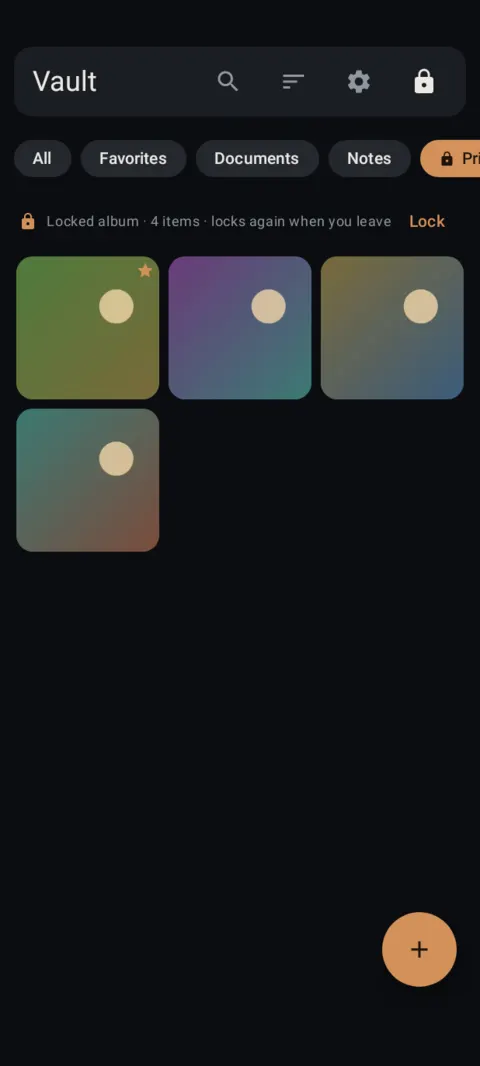
- Lock the album if the cards include health details you'd rather keep to yourself.
- Update the scan when a new card arrives, and delete the old one.
Cards for kids or parents
If you carry cards for children or parents, give each person a clear file name so the right card is quick to pull up. Name the file, not the person's details, if someone else might see your screen.
How to do it with Lockstone
- Install Lockstone and draw a pattern.No account, no email. Free on Google Play.
- Scan the paper.Tap + › Scan document, capture each side, drag the corners, and keep Save as one PDF on.
- Put it in an album.Select the scan, tap the Add to album icon and create an album such as “IDs” or “Insurance”.
- Lock the album (optional).Long-press the album chip › Lock album and give it its own PIN or pattern.
- Delete the old copies.Remove any photo of the same paper from your gallery, chats and cloud photo backup.
- Back it up.Settings › Backup & restore › turn on Automatic backup and pick a folder that isn't only on this phone.
Lockstone keeps it locked
A private photo and file vault for Android with a document scanner, locked albums and encrypted backups. No account. No ads. No tracking.
 Free on Google Play.
Questions
Will a photo of my insurance card be accepted?
Many offices accept a card shown on a phone, but it's their call. Keep the physical card or your insurer's digital card as well.
How do I keep insurance cards private on my phone?
Store the scans in an encrypted vault instead of the camera roll, and lock the album if you like.
Can I keep my auto insurance card on my phone?
Many places accept proof of insurance on a phone, but rules vary. Check what applies where you live and keep the official version your insurer provides.
More: all guides · all features · how-to videos
No account. No ads. No tracking.
Lockstone is free for up to 100 photos and 10 videos per vault, with every security feature included.